Best Portrait Bokeh App for iPhone
Portrat — 6 blur styles, adjustable aperture, completely free.
Most bokeh apps offer a single uniform blur slider. Portrat simulates actual lens physics — with six distinct blur styles, aperture control from f/1.4 to f/16, and Apple Vision-powered subject detection that produces realistic depth maps.
What Makes a Good Bokeh App?
Not all background blur is created equal. Here's what separates a good portrait bokeh app from a basic blur tool:
Accurate subject detection
The blur needs to follow the edges of the subject precisely. Hair, glasses, and complex outlines are where cheap blur apps fall apart. Portrat uses Apple's Vision framework for face detection and person segmentation, producing a depth map rather than a simple mask. The result is natural-looking separation even around fine details.
Realistic depth falloff
Real camera bokeh isn't binary (sharp subject, blurred background). Objects at different distances get different amounts of blur. Portrat's depth map simulates this gradual falloff — objects close to the subject are slightly blurred, while distant objects are heavily blurred, just like a real lens.
Multiple blur characters
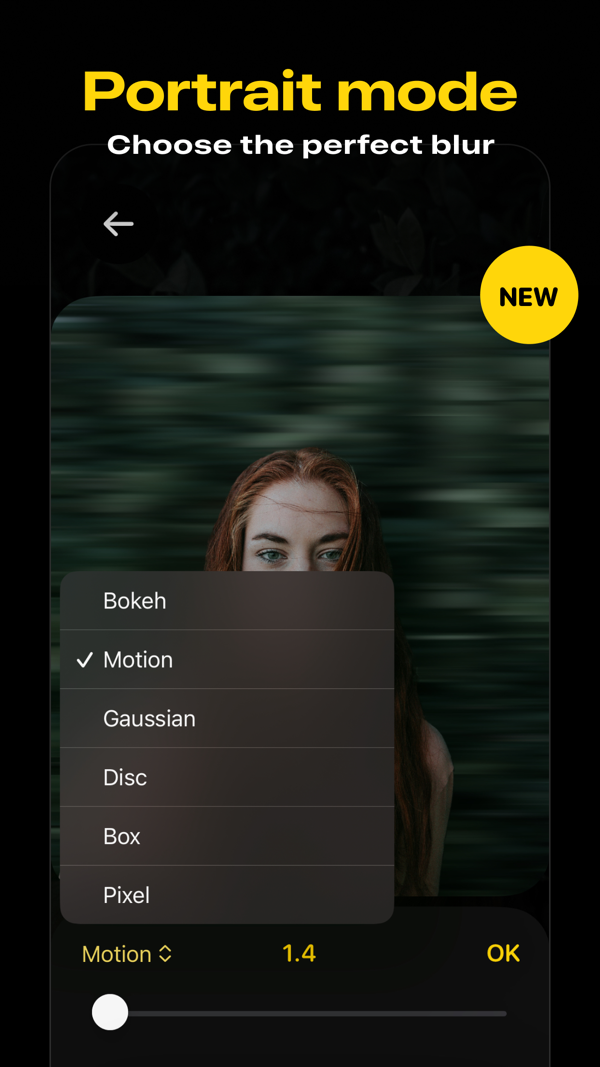
A real f/1.4 prime lens produces different bokeh than a zoom lens. Portrat offers six distinct blur styles that simulate different optical characters:
- Bokeh — Classic circular bokeh with soft, round highlights
- Motion — Directional blur that adds a sense of movement
- Gaussian — Smooth, even blur for a clean look
- Disc — Disc-shaped blur with defined circular highlights
- Box — Uniform box blur for a graphic, stylized effect
- Pixel — Pixelated blur for a creative, digital aesthetic
Aperture control
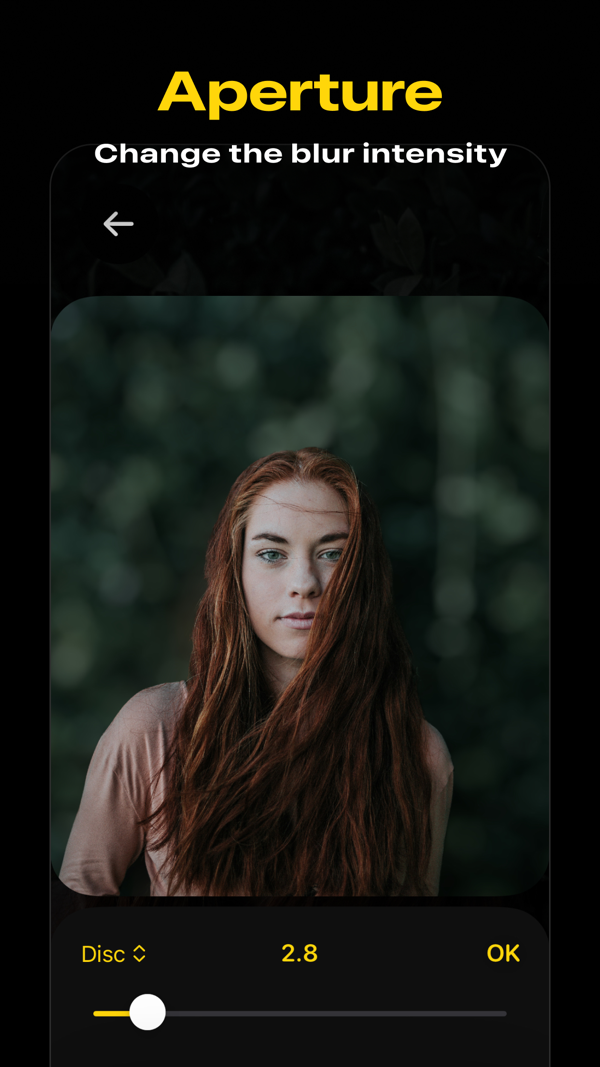
The best bokeh apps let you control the intensity. Portrat's aperture slider goes from f/1.4 (maximum blur, very shallow depth of field) to f/16 (minimal blur, nearly everything in focus). This mirrors how real camera lenses work.
Why Portrat?
Works on any photo
You're not limited to photos taken with the app. Import any photo from your library — even photos taken years ago, screenshots, or images from other devices — and Portrat will detect the subject and apply bokeh.
Completely free
All six blur styles, all eight photo filters, and all editing tools are included for free. No subscriptions, no ads, no watermarks, no feature gates.
Private and on-device
All processing happens on your iPhone using Metal GPU acceleration. Your photos are never uploaded to any server. No account needed.
Non-destructive editing
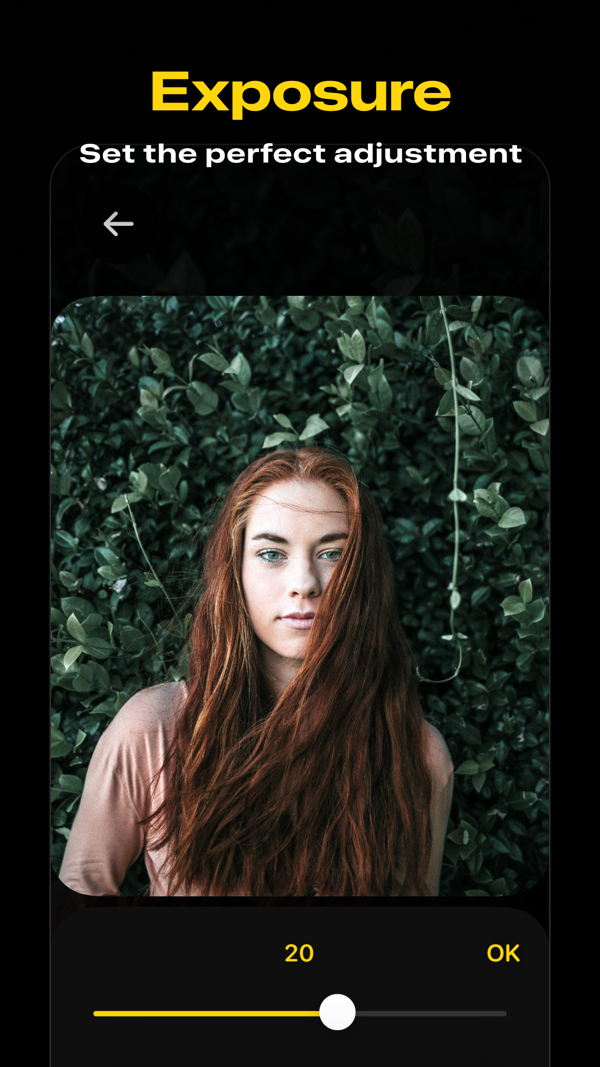
Change the blur style, adjust the aperture, tweak exposure and contrast — and change your mind at any time. Edits don't permanently alter your original photo.
Frequently Asked Questions
Can I add bokeh to a photo that wasn't taken in Portrait Mode?
Yes. Portrat uses Apple's Vision framework to detect subjects in any photo — not just Portrait Mode photos. It generates its own depth map, so it works with regular photos, screenshots, and images from any source.
Is Portrat better than the iPhone's built-in Portrait Mode?
They serve different purposes. iPhone Portrait Mode captures depth data at the time of shooting. Portrat lets you add or adjust bokeh on any existing photo, with more blur style options and finer aperture control. They complement each other.
Does Portrat work on older iPhones?
Portrat requires iOS 18.6 or later. The subject detection uses Apple's Vision framework, which runs on any device that supports that iOS version.
Are there any in-app purchases?
No. Portrat is completely free — all features, all blur styles, all filters, no ads.