Translate Video Captions into 20+ Languages on iPhone
Reach a global audience — translate your subtitles without leaving the app.
You've captioned your video. Now make it accessible to the rest of the world. Video Captions lets you translate your subtitles into 20+ languages directly on your iPhone — same timing, same style, different language.
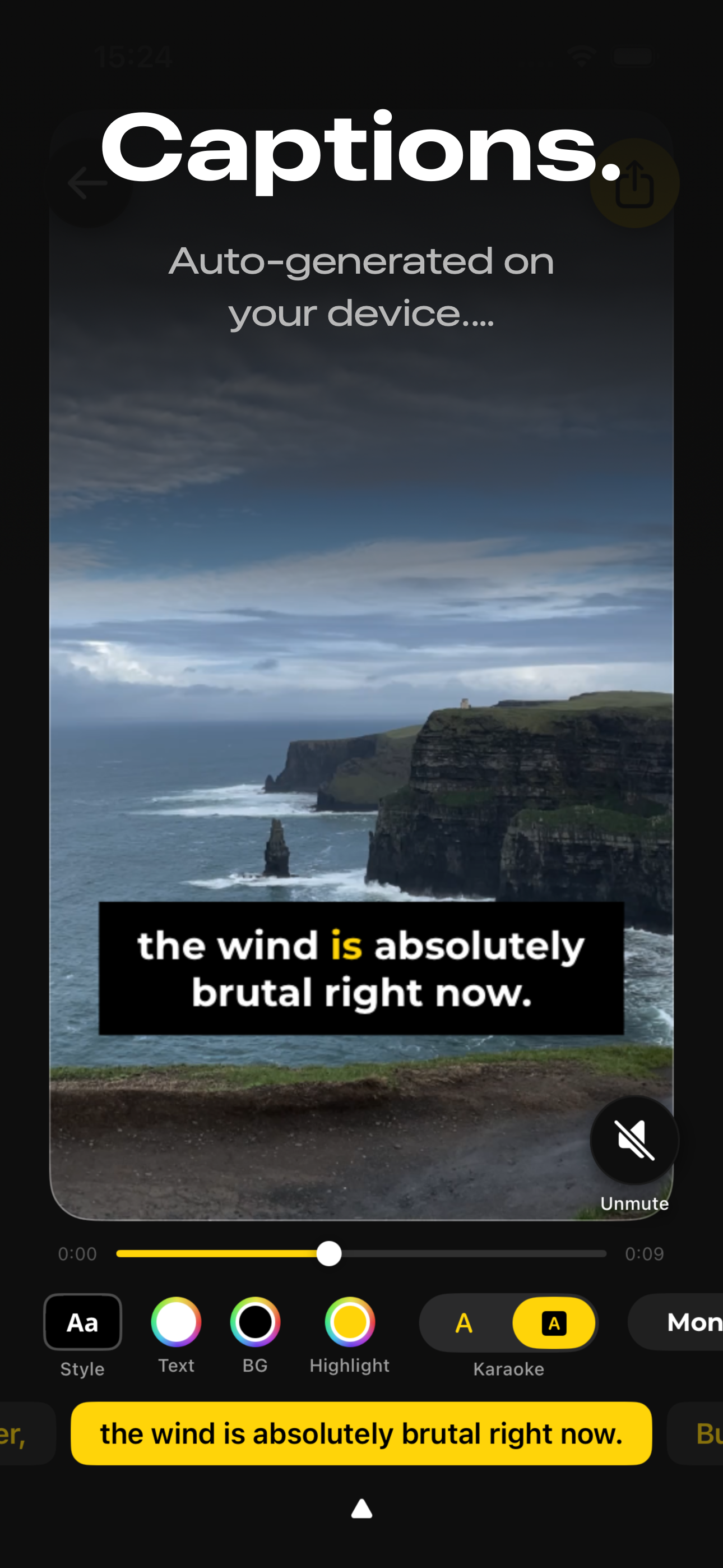
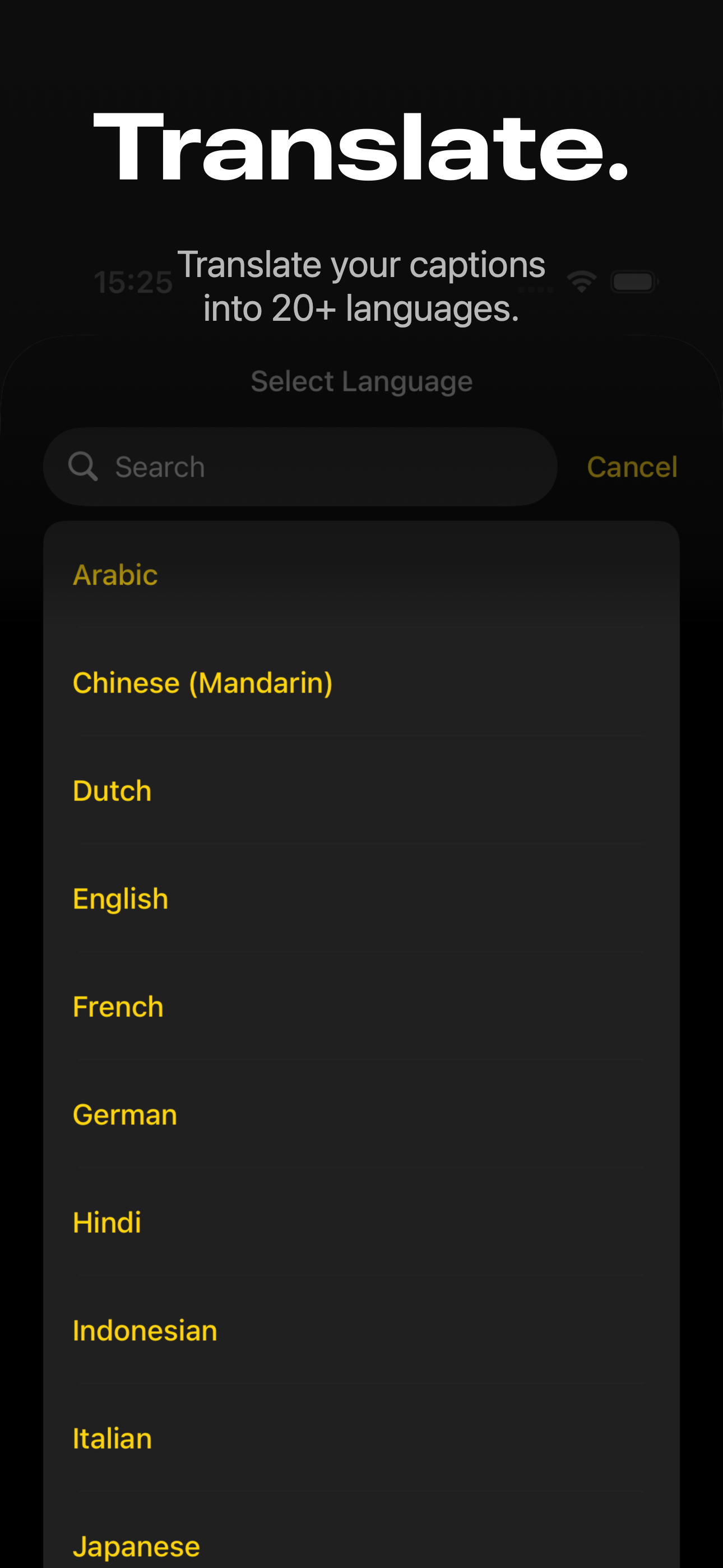
How Translation Works
- Generate or add captions — Transcribe speech automatically or add captions manually to your video.
- Open the Translate feature — Browse 20+ available languages and pick your target language.
- Captions are translated instantly — The original timing is preserved. Each caption is translated in place, so your subtitles stay synced with the video.
- Review and edit — Tap any translated caption to adjust the wording. Automated translation is a strong starting point, but you know your content best.
- Export — The translated captions are burned into the video, ready to share anywhere.
Supported Languages
Video Captions currently supports translation into the following languages:
- Arabic
- Chinese (Mandarin)
- Dutch
- English
- French
- German
- Hindi
- Indonesian
- Italian
- Japanese
- Korean
- Malay
- Portuguese
- Russian
- Spanish
- Turkish
- And more — the list continues to grow with updates.
You can translate from any transcribed language into any target language. Transcribe a Japanese vlog and add English subtitles. Caption a Spanish tutorial and translate it into French. The combinations are flexible.
Why Translate Your Captions?
Reach a wider audience
Most of the world doesn't speak your language. Translated captions let your content travel — a cooking video in Portuguese can reach viewers in Japan, a travel vlog in English can engage audiences in Brazil.
Grow on social media
Algorithms on Instagram, TikTok, and YouTube favor content that gets engagement across regions. Translated captions help your videos perform in markets you wouldn't otherwise reach.
No separate tools needed
Transcribe, style, translate, and export — all within one app. No need to copy text into a separate translation service, reformat it, and paste it back. The entire workflow stays in Video Captions.
Accessibility across languages
Translated captions help viewers with hearing loss access your content regardless of their native language. They also help anyone watching in a sound-off environment — commuters, office workers, or people in quiet spaces.
Frequently Asked Questions
How many languages can Video Captions translate into?
20+ languages, including Arabic, Chinese (Mandarin), Dutch, English, French, German, Hindi, Indonesian, Italian, Japanese, Korean, Malay, Portuguese, Russian, Spanish, and Turkish. More languages are added with updates.
Can I translate captions from any language to any other language?
Yes. Transcribe a video in one language and translate the captions into any of the supported languages. The language combinations are flexible.
Does translation happen on-device?
Translation uses on-device processing. A one-time model download may be required for each language pair, but once downloaded, translation works without an internet connection.
Can I edit translated captions before exporting?
Yes. After translation, tap any caption to edit the text. This lets you fix translation errors or adjust wording before exporting the final video.
Does translation preserve the caption timing?
Yes. The translated text replaces the original text while keeping the same start and end times. Your captions stay perfectly synced with the video.